


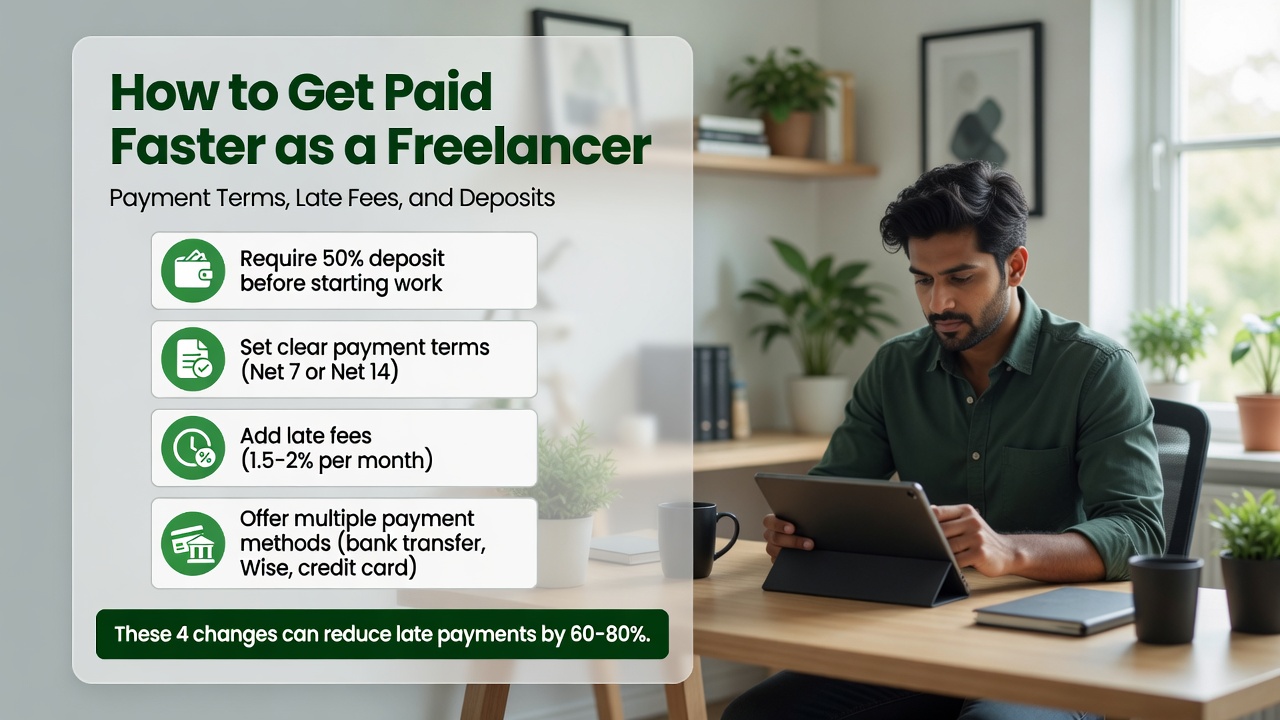
Few things are more frustrating than finishing a project and waiting weeks to get paid. Late payments are one of the biggest pain points for freelancers, affecting cash flow and your ability to plan. The good news is that with the right payment terms, deposit structure, and follow-up system, you can dramatically reduce how long it takes to get paid.
In this guide, we will cover everything from setting Net 15 terms to automating follow-ups with freelance invoicing software.
Why Freelancers Get Paid Late
Late payments usually happen for one of these reasons:
- Unclear payment terms. If you do not specify a due date, clients default to whenever they process invoices.
- Hard payment methods. Checks take days to arrive and days to clear.
- No follow-up system. Without reminders, your invoice gets buried.
- No consequences for lateness. If there is no late fee, there is no urgency.
Setting the Right Payment Terms
Net 15 vs Net 30 vs Net 60
- Net 7: Best for small projects or new clients. Due in 7 days.
- Net 15: The sweet spot for most freelancers. Fast enough to maintain cash flow.
- Net 30: Standard for agencies. Acceptable but expect slower payment.
- Net 60: Avoid if possible.
How Deposits Protect Your Cash Flow
Requiring a deposit upfront is the single most effective way to improve cash flow:
- New clients: Require 50% upfront before starting work.
- Large projects over $2,000: Split into three payments.
- Ongoing retainers: Invoice at the beginning of the month, not the end.
Late Fees: How to Set and Enforce Them
The standard late fee in freelance contracts is 1.5% per month (18% APR). Some freelancers charge a flat fee of $25 or $50. Both are enforceable if disclosed in your contract.
Automated Payment Reminders
This is where invoicing software for freelancers shines. Set up an automatic sequence:
- Day -3: Pre-due-date reminder
- Day 0: Due date notification
- Day +7: Gentle overdue reminder
- Day +14: Firm follow-up
- Day +21: Final notice with late fee
Make Payment Effortless
- Credit card: Include a Pay Now button.
- ACH transfer: Lower fees, fast and traceable.
- Digital wallets: PayPal, Venmo, Zelle for regular clients.
Real-World Example
Maria, a freelance writer, used to send invoices at month-end and wait 30-45 days. She switched to Net 7 terms, required 50% deposits over $1,000, and set up automated reminders through FreshBooks. Her average payment time dropped from 34 days to 7 days.
Summary: Your 5-Step Faster Payment System
- Set clear payment terms (Net 15 recommended) on every invoice.
- Require deposits on projects over $500.
- Use invoicing software with automated reminders.
- Include a Pay Now button for instant payment.
- Enforce late fees consistently.
For a full comparison of tools that handle all of this, visit our best invoicing software for freelancers guide.
Disclaimer: This content is for informational purposes only and does not constitute financial, tax, or legal advice.

