


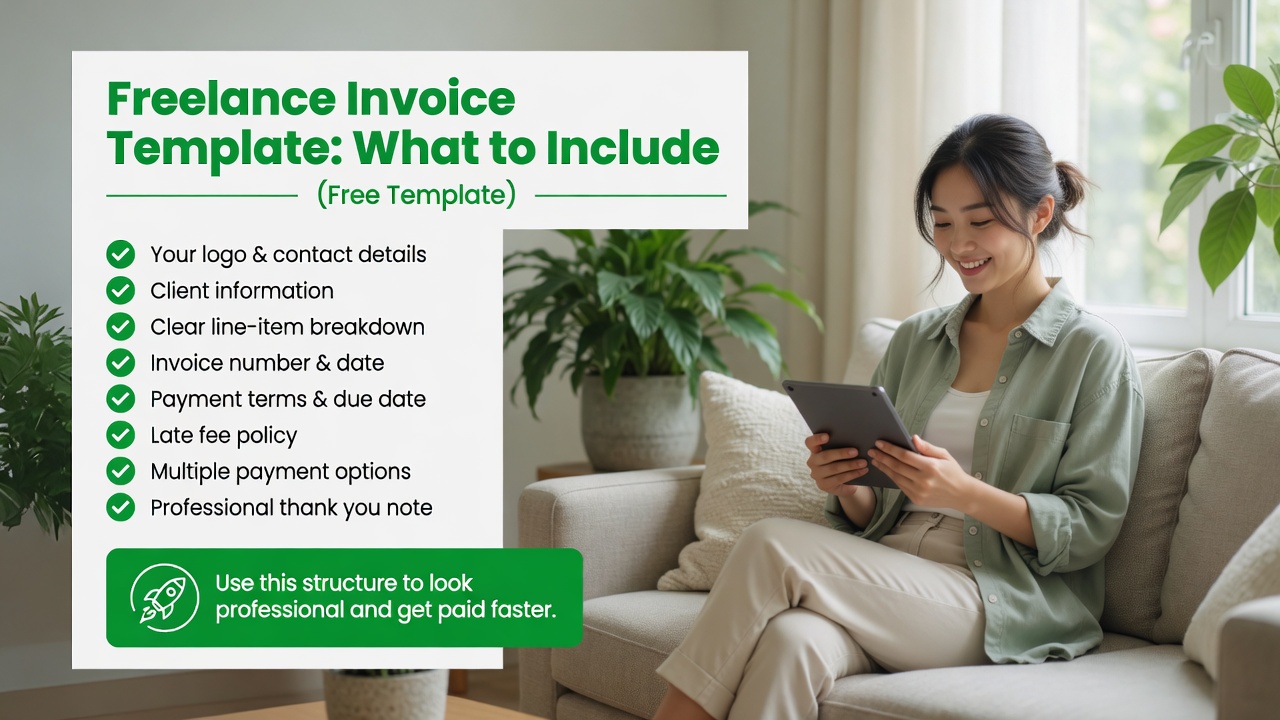
If you are a freelancer, your invoice is often the last thing a client sees before they pay you. A professional, well-structured invoice builds trust, reduces payment delays, and makes you look like a serious business owner. But what should actually go into a freelance invoice?
In this guide, we will walk through every element of a professional freelance invoice, share a template you can use today, and explain how the right invoicing software for freelancers can automate the entire process.
What Is a Freelance Invoice?
A freelance invoice is a document you send to a client requesting payment for completed work. It is both a professional courtesy and a legal record of the transaction. Unlike an estimate or a quote, an invoice is a demand for payment with specific terms and due dates.
Every freelance invoice should clearly communicate:
- Who you are (your business name and contact info)
- Who the client is
- What work was done
- How much it costs
- When payment is due
- How to pay
The 10 Essential Elements of Every Freelance Invoice
1. Your Business Name and Contact Information
Place your business name (or your full name if you are a sole proprietor) at the top. Include your email, phone number, and business address. If you have a logo, include it for branding consistency.
2. A Unique Invoice Number
Every invoice needs a unique identifier for your records and the client records. Use a simple system like INV-001, INV-002 or a date-based system like 2026-06-001. This makes tax time and payment tracking much easier.
3. The Client Name and Address
Include the client company name and the contact person name. This ensures the invoice reaches the right person and department.
4. Invoice Date and Payment Due Date
Clearly state when the invoice was sent and when payment is due. Common terms are Net 15 (due in 15 days) or Net 30 (due in 30 days). Be specific with the exact date, not just a term like Net 30.
5. A Detailed Description of Services
List each service provided with a clear description, the quantity or hours worked, your rate, and the total for each line item. For example:
- Website design (20 hours x $75/hr) = $1,500
- Logo revision (3 hours x $75/hr) = $225
6. The Subtotal
Add up all line items to show the subtotal before any taxes or discounts.
7. Any Taxes Applied
If you charge sales tax or VAT, show it as a separate line item. Include the tax rate and the total tax amount.
8. Discounts or Adjustments
If you offered a discount (early payment discount, loyalty discount, or project adjustment), show it clearly before the total.
9. The Total Amount Due
This is the most important number on the page. Make it bold, large, and impossible to miss. Place it near the payment instructions so the client sees how much to pay and how to pay it in one glance.
10. Payment Instructions
Tell the client exactly how to pay you. Include your preferred payment methods: bank transfer details, PayPal email, Venmo handle, or a Pay Now link. If you use invoicing software, this is where the payment button appears.
Free Freelance Invoice Template
Here is a simple template you can copy and use immediately:
[Your Business Name]
[Your Email] | [Your Phone] | [Your Website]
Invoice #: INV-[Number]
Date: [Date]
Due Date: [Date, e.g., Net 15]
Bill To:
[Client Name]
[Client Company]
[Client Email]
| Description | Qty | Rate | Total |
|---|---|---|---|
| [Service description] | [Hours] | [$Rate] | [$Total] |
| Subtotal | [$Subtotal] | ||
| Tax ([Rate]%) | [$Tax] | ||
| Total Due | [$Total] |
Payment Instructions:
Bank Transfer: [Account details]
PayPal: [Your PayPal email]
Or pay online: [Payment link]
Common Invoice Mistakes to Avoid
- Sending invoices late. Invoice immediately when work is complete. Delays in sending lead to delays in payment.
- Missing payment terms. Without a clear due date, clients will pay whenever they get around to it.
- Vague descriptions. General descriptions lead to disputes. Be specific about what was delivered.
- No payment instructions. Make it as easy as possible for the client to pay. Provide multiple payment options.
- Forgetting your brand. An unbranded invoice looks unprofessional. Use your logo and consistent formatting.
How Invoicing Software Makes Templates Easier
While a template is a great starting point, freelance invoicing software automates most of these elements. FreshBooks, Wave, and Bonsai all offer customizable templates that auto-fill your business details, calculate totals, and include payment buttons. You simply enter the services and the software handles the formatting, numbering, and math.
For freelancers sending more than 5 invoices per month, using dedicated software saves hours of manual work and reduces errors. Check out our comparison of the best invoicing tools to find the right fit.
Final Tips
- Send invoices as PDFs (not Word docs or Google Doc links) to preserve formatting.
- Save a copy of every invoice for tax records. The IRS recommends keeping records for at least 3 years.
- Follow up on unpaid invoices. A friendly reminder 2-3 days before the due date and again on the due date significantly improves payment speed.
- Review your invoice template every 6 months to keep your branding and pricing up to date.
Disclaimer: This content is for informational purposes only and does not constitute financial, tax, or legal advice. Consult a qualified professional for advice tailored to your specific situation.

